> For the complete documentation index, see [llms.txt](https://docs.siit.io/llms.txt). Markdown versions of documentation pages are available by appending `.md` to page URLs; this page is available as [Markdown](https://docs.siit.io/request-management/message-templates.md).
# Message templates
Save the answers you send most often and reuse them with variables that personalize each message. Manage them in Settings, then insert one into any reply from the composer
Use message templates to write, personalize, and send answers to common questions while keeping your messages personal.
Message templates let you save commonly used templates, snippets, and answers that you don't want our bot to send automatically.
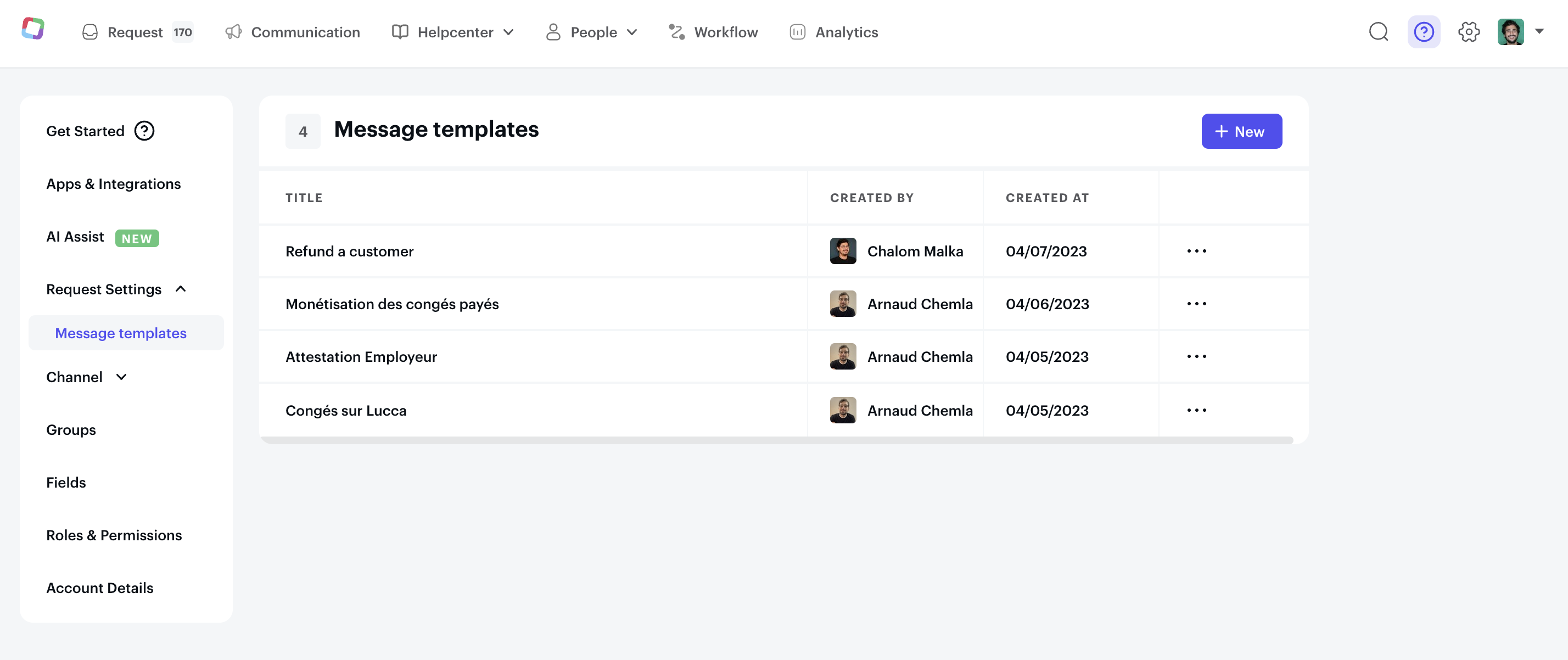
To create and manage Saved replies go to **Settings → Requests → Message templates.** You can create a new one using the **+ New** button or edit existing ones by clicking on the list.
Customize each message template to fit your team or organization's needs. This ensures consistent, on-brand messages and saves admins time and effort, allowing them to focus on other important tasks.
### Personalize your message
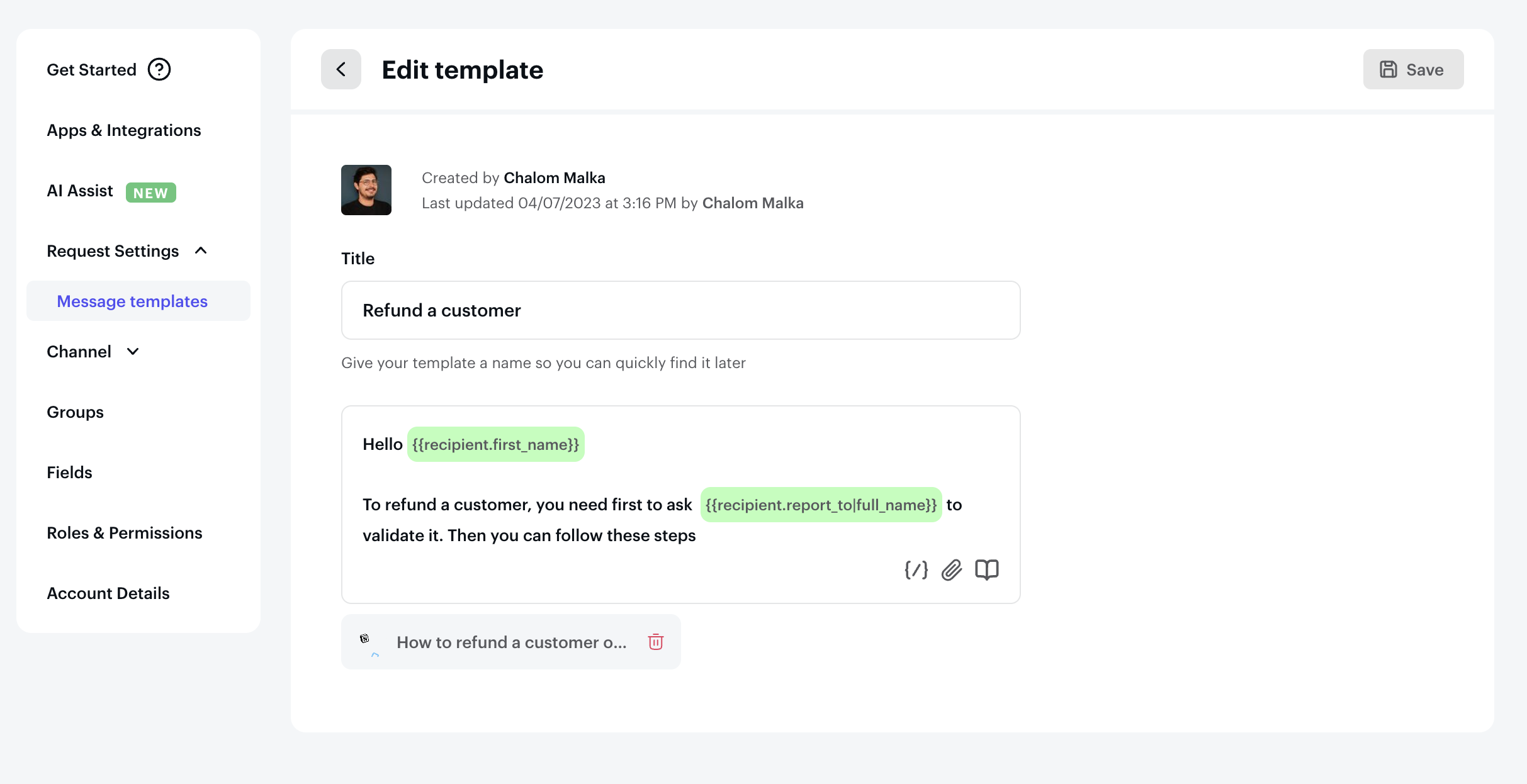
To make your message more personalized and engaging, you can incorporate variables like the recipient's name or office location (see [built-in variables](/workflow/variables-and-secrets.md#built-in-variables)). Adding articles or attachments can also make your message more informative and helpful. Personalizing your message and providing value can increase the chances of it resonating and achieving your desired outcomes.
### Using message templates
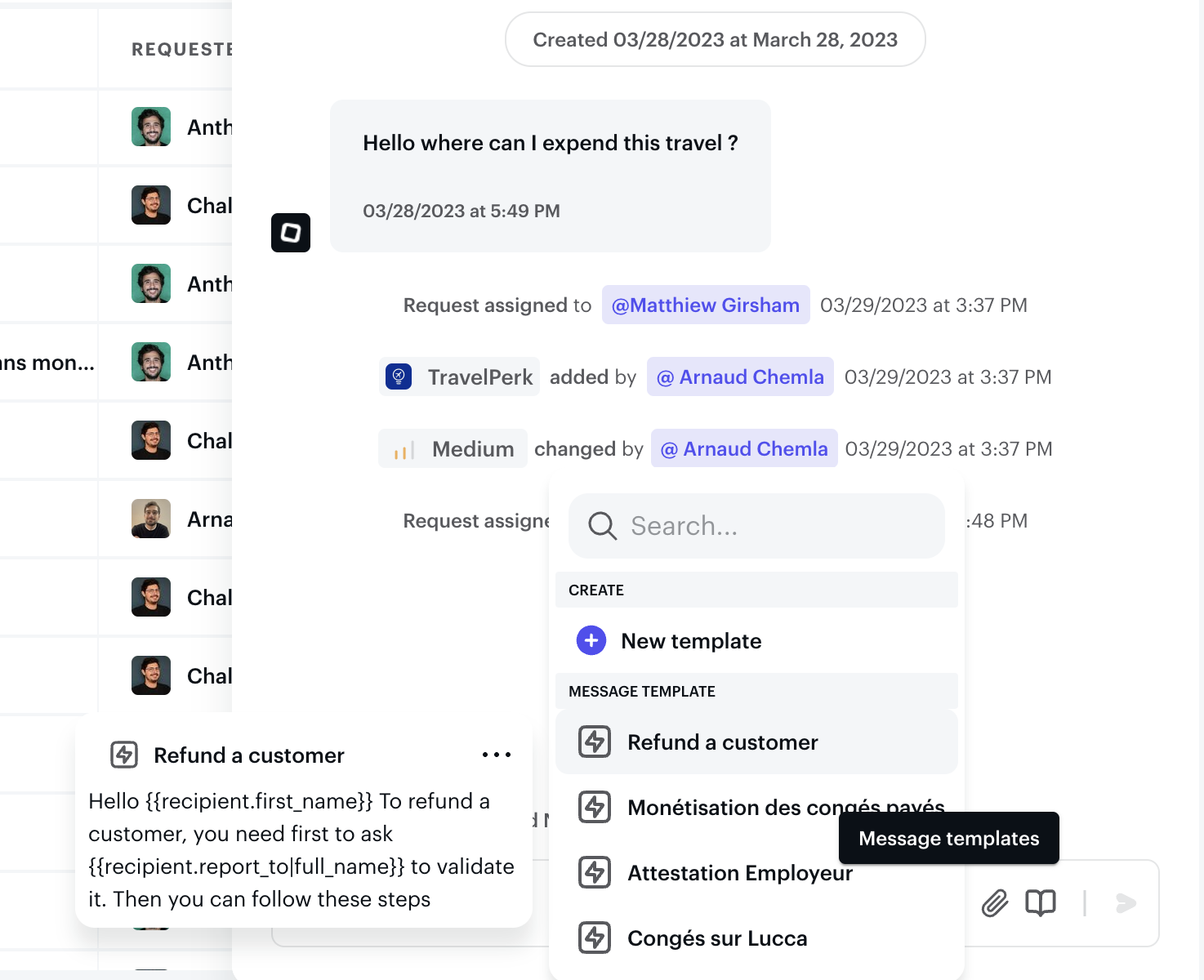
Find and select a message template when sending replies, internal notes, or approvals directly from the message box.